BOCCHI THE ROCK!!!
-ECHO MINI BOCCHI THE ROCK THEME-
recently update: 7/24/26
Echo mini modification of kessoku band (still on development)
Adding change to few things:
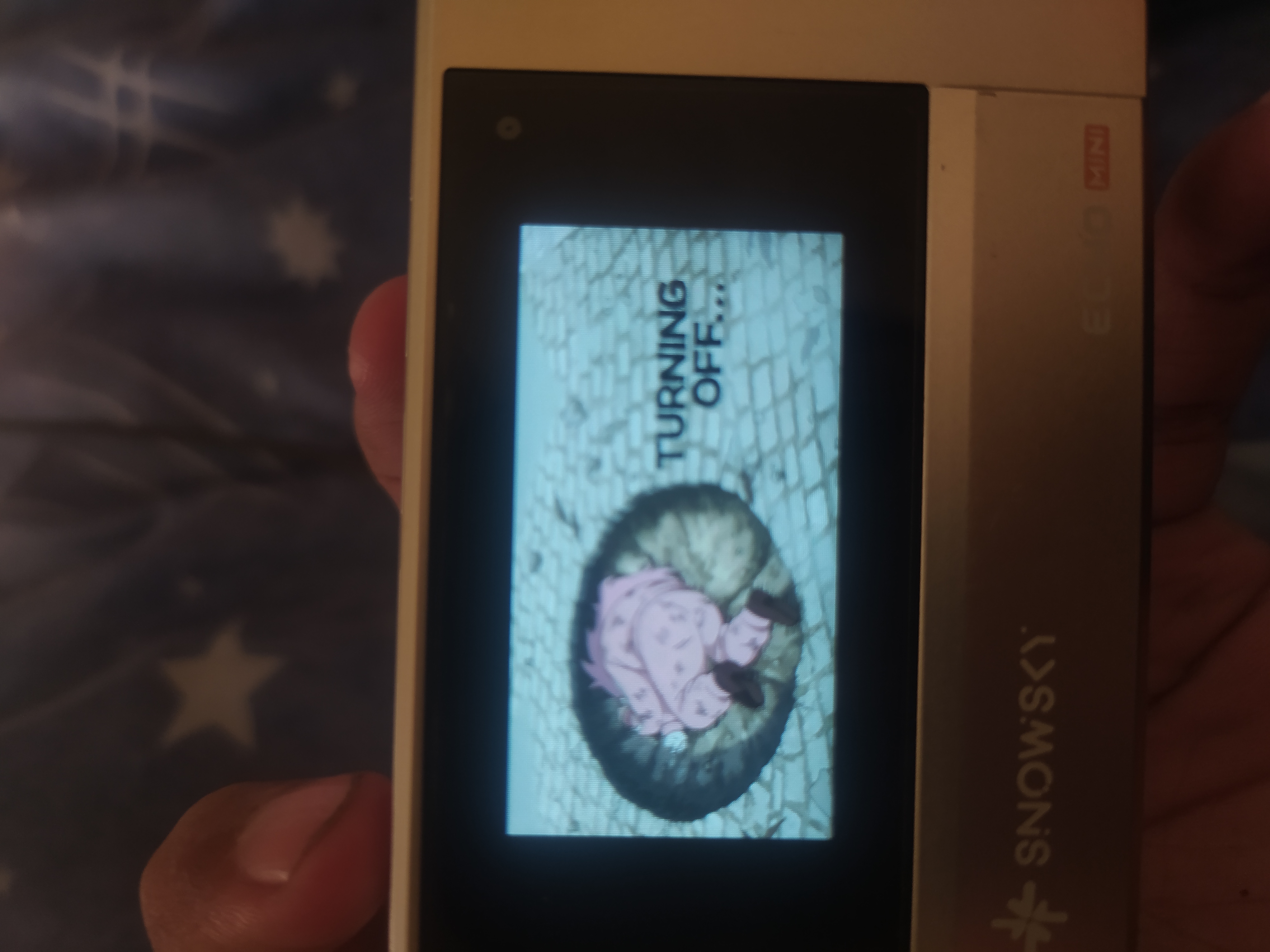
- power on/off animation
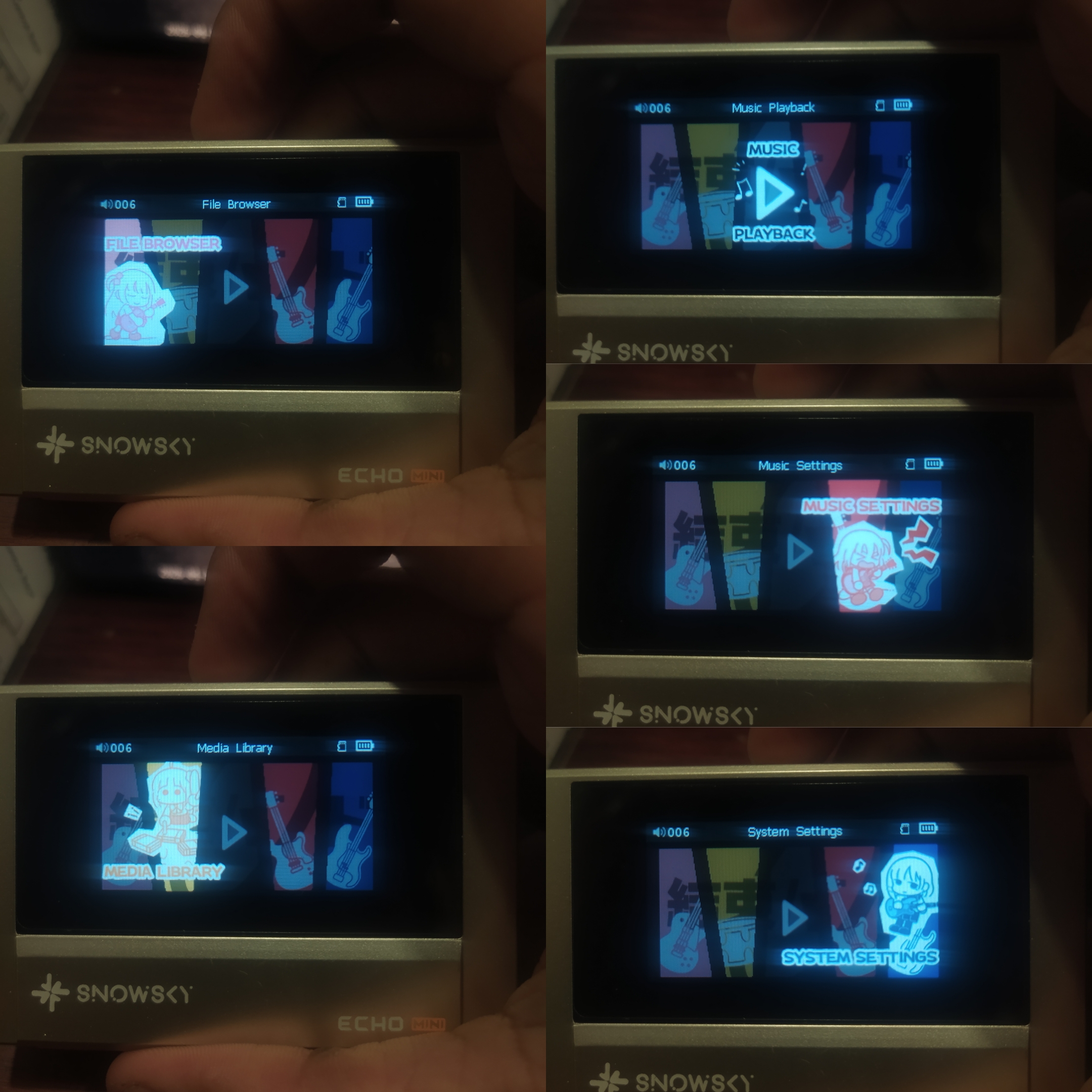
- menu selection display
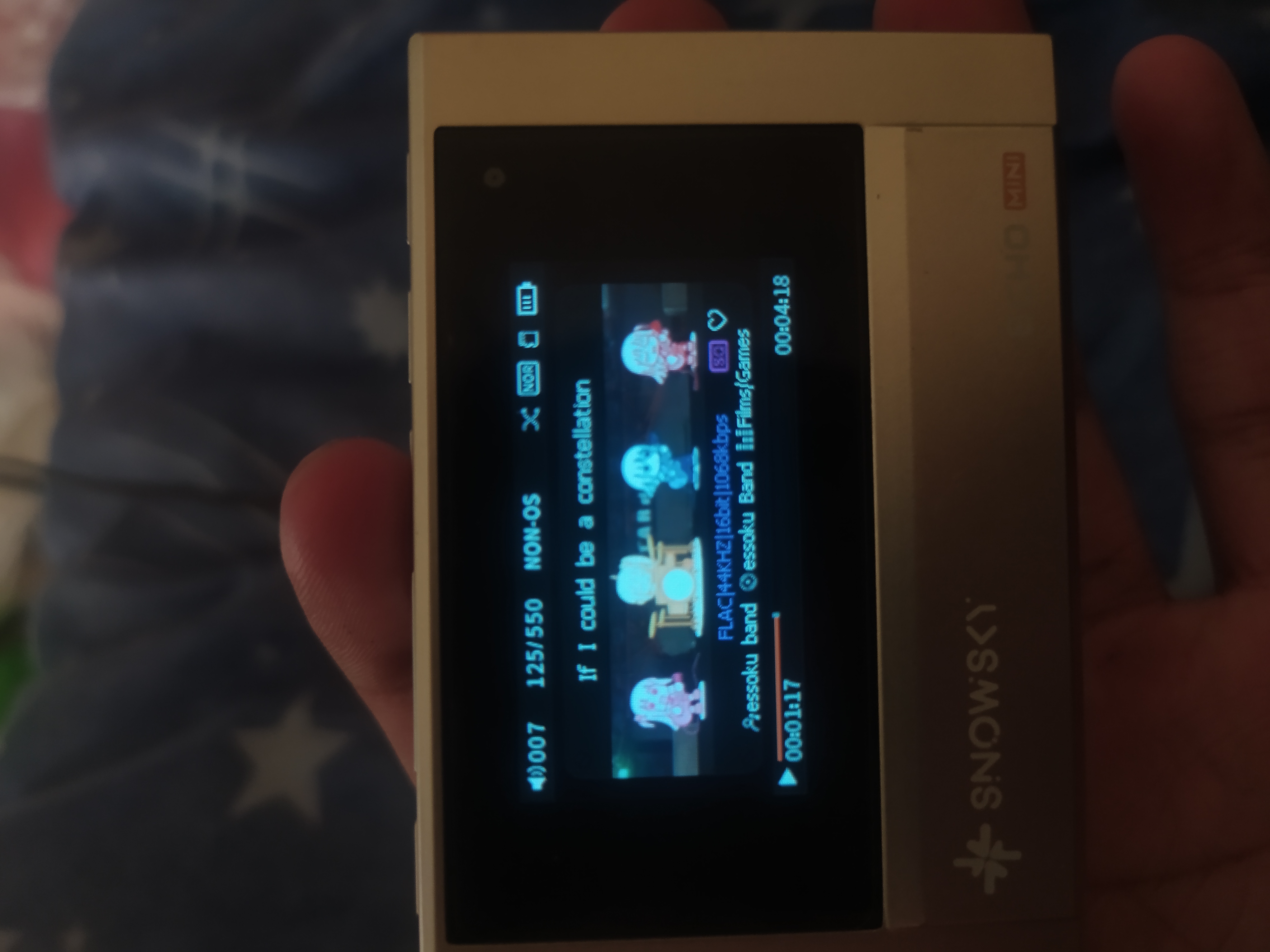
- music play animation (pls turn off album art)
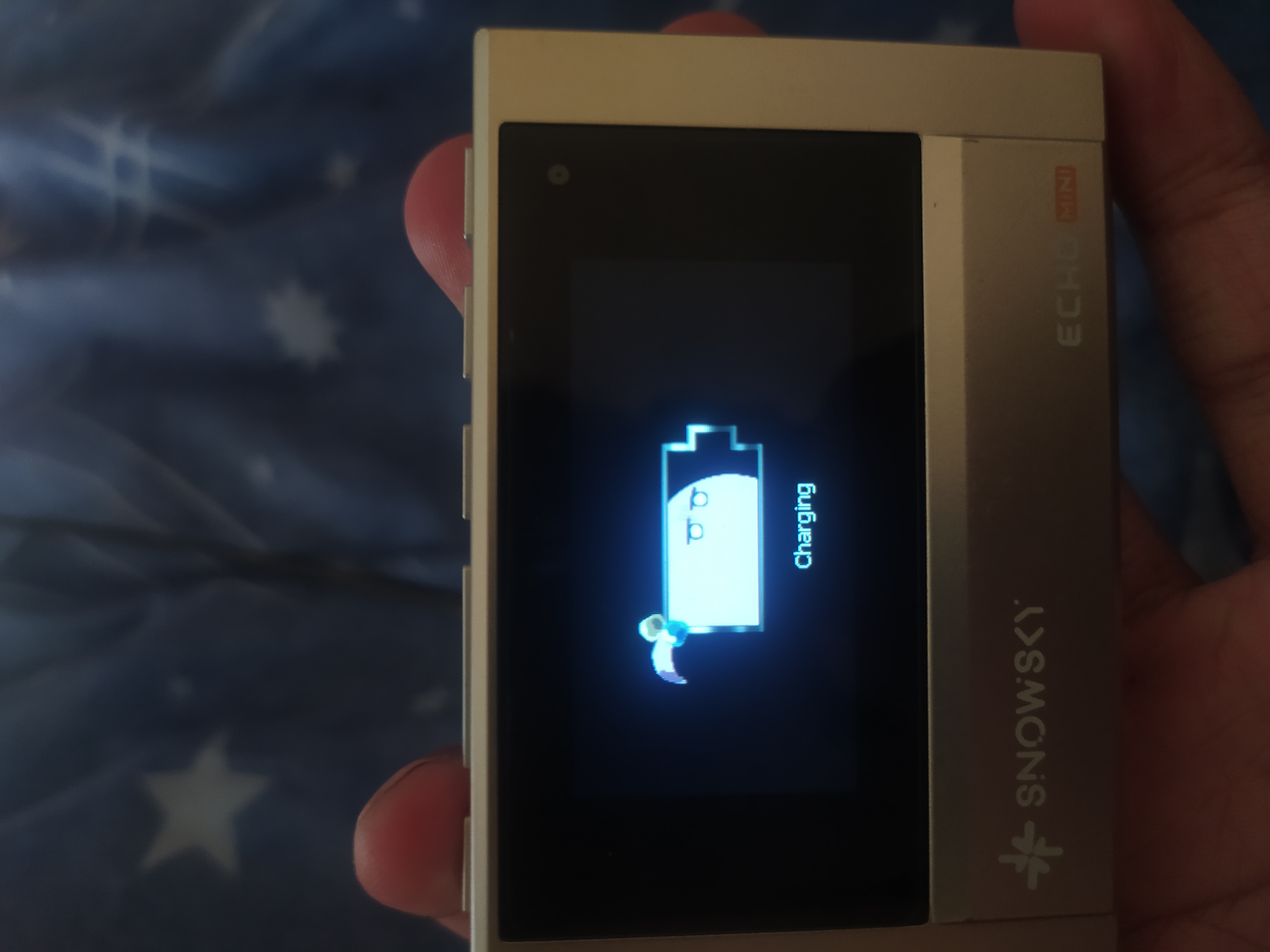
- charging animation
(4/26/26)
- album art music background
- browser music background
(7/24/26) (NEW)
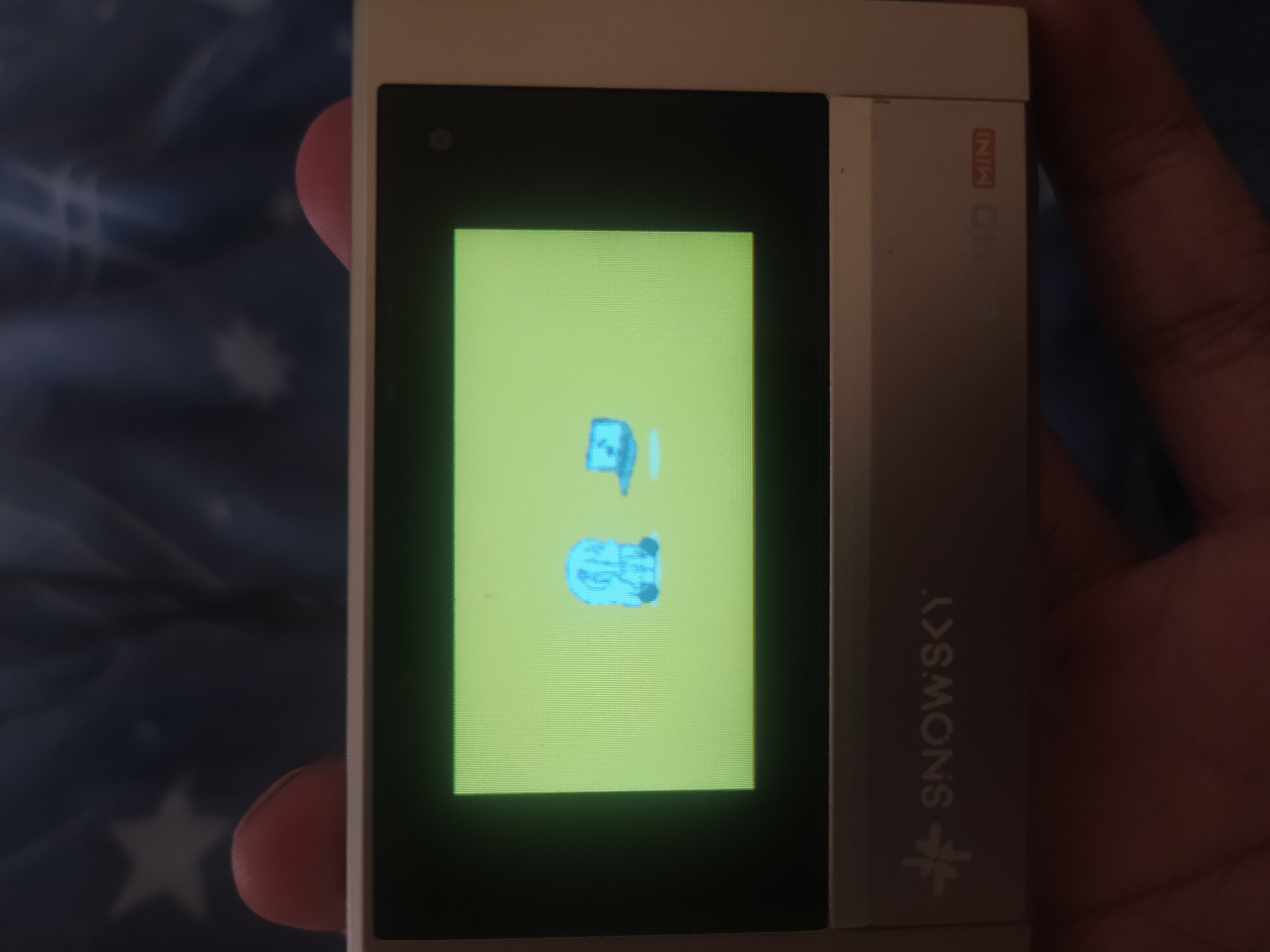
- new USB DAC/DATA display
- new volume display
- update display
Minor update: new timestamp and favorite icon color, fix album art.
Other thing same as default, will modify other thing as well on upcoming update
Tags:
2717 downloads
12 favorites
2026-04-16 14:47:54
4.55 MB
Join us on Telegram
Comments 24
Log in with Discord to leave a comment.
Hey, I can't seem to activate the interface style, I tried all of the choices but the menu selection display isn't appearing, do you know what I could be doing wrong?
@n3st0r its seems like I putting the wrong one before main menu update, the server had problem when I trying to update the file. Can I send it through discord? I already sent friend request
The post already updated, menu section is already added to the file
Hey Can I have one too?
@coco061162 the new file is updated already, you can download like usual. Should be named "BTR 4-18"
Lovely theme, actually surprised it works on V3.3.0 too
@syamilkyu yeah, it will downgraded to this v3.2.0 version. I'm not going to post v3.3.0 since it has lot of bugs. I'll try for future non-buggy version
-New update- 4/26/26
now support v3.3.0 and v3.4.0
adding:
- album art background (replacing usual vinyl image also, when there's no album art)
- browser background
- dac animation (only adding little running bocchi animation)
feedback would be appreciated
OMG THIS THEME IS SUPER COOL!!!
@pasienligma idk whats wrong but i tried all the versions on my echo mini but it wont update. it works just fine for all the other themes. it dosent even go to the update screen pls help
@ermactuallyimthetopper_72293 is your device bricked? Or just the update screen doesn't appear? You can install like usual normal version
1. Extract the file first so it has .IMG format, in 3.4.0, the name should be HIFIEC34.IMG
2. Turn off your echo mini and pull out SD card
3. Transfer the .IMG file using cable data, or in my case, using phone with c to c cable (make sure to safely remove USB connection, don't just plug it out)
3. After that just restart again the device
Pretty cool theme! it makes using this little thing that much more enjoyable.
what a cool theme, thanks!
need the v3.5 update 👉👈
excuse me sir, i recently bought echo mini and want to update. Can I update using this custom theme directly?
@pasienligma I just got my device and I was wondering if I could use this theme even though this version is outdated
v3.7.0 plssss
You gotta update those preview images so more people will see this, (btw i love this theme So Much)
Hey guys, sorry for the long update cause my business irl.
I'm planning to update it on new version this week.
@nyx1648 yes, it's possible downgrading to the old version
hey i finally upadated to 3.6.0, i tried to update to 3.7.0 before, but snowsky just renamed all the file name so it will take a time to renaming my file
@sonalovesick implanning to update the preview as well, propably this week after i finished 3.7.0
Bro can you join our newly made telegram group for better discussion and bug fix and feedback and fine tuning your theme by users and more seamless talking and file sharing and a nice community
I alongside the creator of this website managing the group
We inviting normal people from everywhere we also want you guys creators to join there
It would be nice
https://t.me/snowskystuffs
hey, um can you upload the file in V3.9.0 also in 512mb format specifically the MINIV3.9.0 thanks